Somewhere on a One Piece fan's shelf is a prop their friends could name from one corner. The trick is finding which corner. Show the whole thing and the fastest typist wins. Zoom in until every stitch looks like every other stitch and even the friend who made the costume has to guess at random.
Try the round below before you make one. You get one guess per picture. Name the character on the first clue for two points, or open the second clue and play for one.
Whose prop is this?
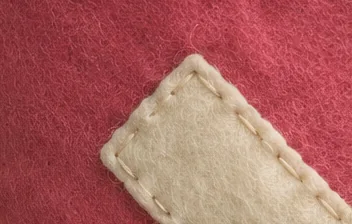
That pale strip continues beyond the frame. What shape do you think it makes? Pick a character before opening the next fold.
Show the second clue
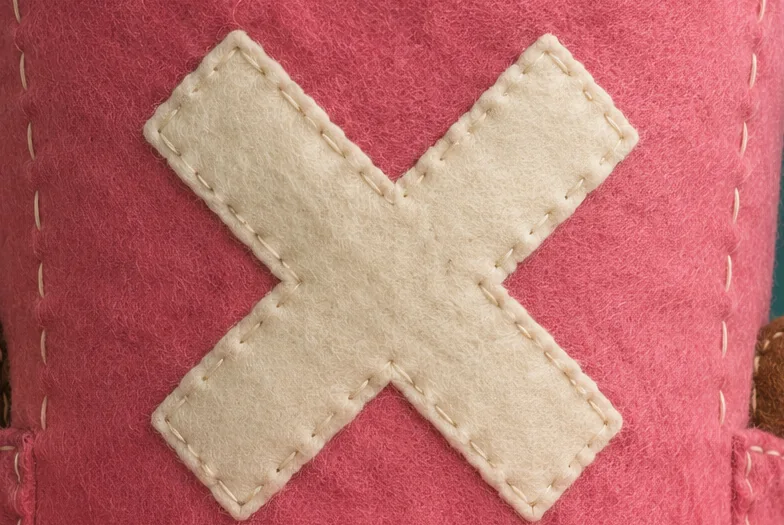
You can see the whole patch now. Who wears that pink-and-white combination?
Reveal the character and the full picture
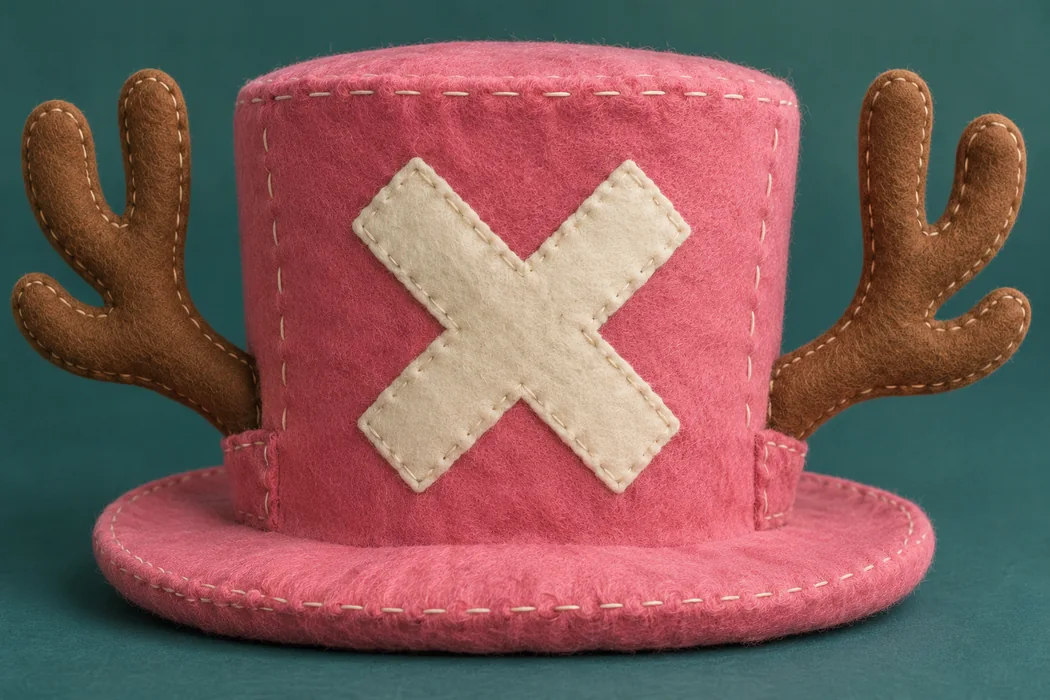
Tony Tony Chopper. The white X sits on the front of his pink hat. Once the antlers come into view, even a friend who missed both crops can see what gave it away.
Pick a prop with two recognizable details
Start with the answer and work backward. For a Brook round, a close-up of bow hair against violin strings gives the group a musician to think about. Widen the frame to include the skeleton hand holding the bow and they can put a name to the player. A figure on your shelf works just as well as a full cosplay.
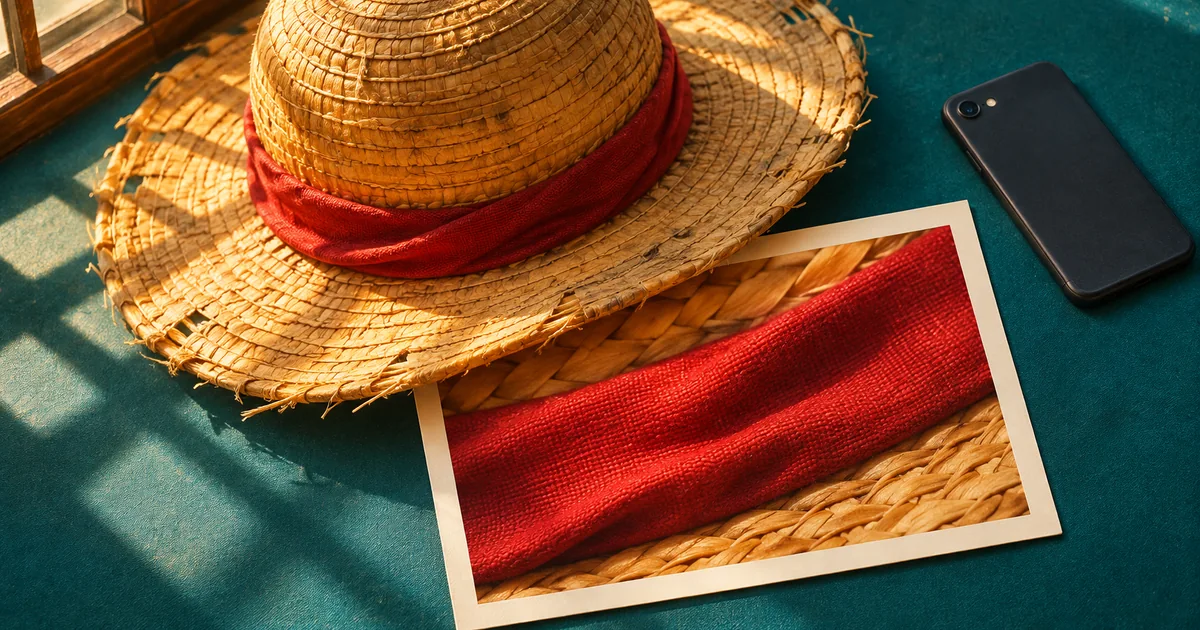
Some props have more than one owner. If you're using the red-banded straw hat on the cover, both Shanks and Luffy have a claim to it. You could ask “Who gave this hat to Luffy?” If you'd rather have players guess Luffy, include part of his red vest in the wider shot and ask who's wearing it.
Make two clues from one phone photo
- Shoot the reveal first. Set the prop by a window and tap the detail you want in focus. Leave the whole prop inside the frame. Check the background for a figure box or a convention badge with the character's name on it.
- Open a working copy. If your editor accepts the photo, start cropping. If it rejects an iPhone photo ending in
.heic, select the original file, convert it to PNG in your browser and download the copy to edit. HEICHub’s HEIC to PNG converter handles that step. - Cut the wider clue first. Keep the most distinctive mark in frame and crop away the outline that gives the answer away. In the sample round, the entire sewn patch fits inside this crop. Both sides of the prop extend beyond it.
- Cut the opening clue from the original. Move one edge of the frame across the mark so players can see its color and construction but have to imagine the rest. Save the two crops and the full picture as separate files.
Open the first crop at the size of a chat thumbnail. If the only visible clue is “pink,” back out a little. The diagonal seam in the example gives someone a theory they can test when the second picture arrives.
Host a round in three messages
Send each picture on its own so the chat gallery can't show the reveal beside the opening clue. Neutral filenames such as round-01-a.png also keep the answer out of attachment previews.
- Post the tight crop with “Round 1. Whose prop is this? One guess each for two points.”
- Once everyone has guessed or passed, post the wider crop. Anyone still playing gets one more guess for one point.
- Post the full photo with the character's name. Ask the winner which detail they recognized, then let them pick the next prop.
If your crew wants another round while the next host takes their photo, try the daily poster puzzle in Animedle's Wanted mode.
Put it into practice
A new mystery One Piece character drops every day at 00:00 UTC — six modes, free, no sign-up.
Play today's OnePieceDle